Settings
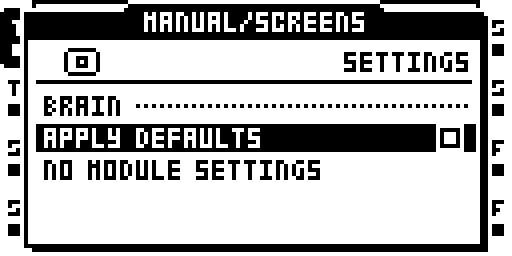
BRAIN: Settings
Settings are grouped by feature. Press YES to cycle through a value's options. LEFT / RIGHT decrease or increase it, stopping at the ends. A checkbox setting is crossed when on. After a change to a value that takes effect at the next boot, leaving SETTINGS shows REBOOT TO APPLY CHANGES.
APPLY DFLTS is on by default. Turn it off to use the image's own effect defaults instead of the ones you saved. Settings are kept on the card. The MIDI and event logging switches are described under Log.