Page 2 Parameter Locks
By Sam Banks. In all three remixes.
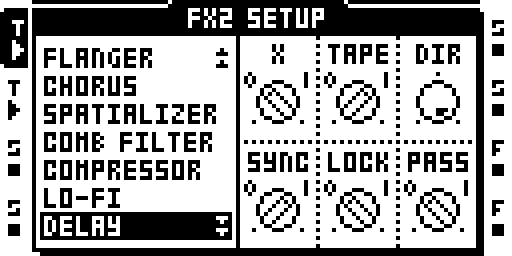
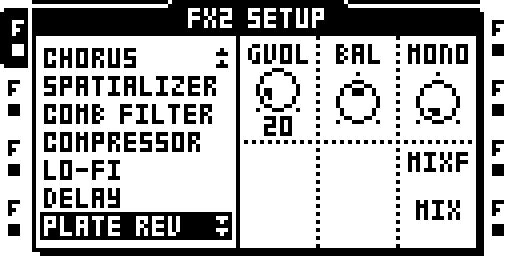
Use page 2 parameter locks to automate FX1 or FX2 parameters that are not available on stock page 1.
A step can carry locks for both FX pages.
Create and remove a lock
Open the FX1 or FX2 SETUP page, hold one or more trigs and turn a knob: each held step gets that slot's page-2 lock. Hold FUNC while turning to remove it. The trig plays the lock, and the next trig puts the Part's value back — the same as page 1.
After the same short hold delay as page 1, the lock's value stays on the screen with the value area highlighted; the parameter name stays unchanged. Turning a knob while holding a trig updates the displayed lock at once. Releasing the trig shows the Part value again and keeps the step's lock. A later bare trig tap still clears the step and its locks.
The locks move with the data: trig copy and paste, clear a trig's locks, pattern copy and paste, clear a pattern and its undo each carry or clear them. SAVE PROJECT writes them and a power cycle loads them back.
Limits and saving
- Page 2 has no slide: a slide trig moves page 1 only.
- A held step with no trig takes a page-2 lock that never plays.
- The power-off copy of the current bank holds 4,768 locks. A bank with more has no power-cut copy: a power cut loses its unsaved page-2 locks back to the last save.
Page 2 locks add no controls of their own: they use the same trig-hold and FUNC gestures as page 1.