Reload from Project
By Zac Kyoti. In all three remixes.
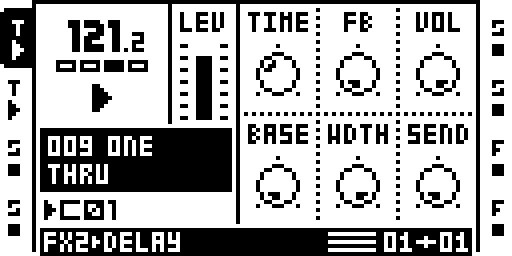
Track view after invoking the sequence reload shortcut. There is no separate editor.
Reloads a track, or a whole pattern, from the CF card without stopping the transport.
Operation
- [PTN] + [TRACK n]: reload that track's sequence from the project.
- [BANK] + [TRACK n]: the same, plus that track's machine, FX, pages, scene locks and LFO designer as the project was saved. Every other track is left alone.
- [PTN] + [BANK] + trig: reload that pattern of the playing bank, all its tracks and its Part. The pattern you are on reloads in place; another pattern is a pattern change, so it comes in at CHAIN AFTER or the pattern end (or at Direct Jump's next step when that is on).
Timing
- While playing, a reload lands on the track's next step, in time with everything else, and that step already plays the reloaded sequence. A whole pattern lands on the next step its tracks share.
- With [BANK] + [TRACK n], the track's machine and settings change with the first trig of the reloaded sequence that plays a sample; with no such trig, on the landing step.
- A saved length or scale comes back the same way, with every track carried on where the saved pattern would be.
- Several reloads before a landing all count; the latest one for a track wins.
- Stopped, a reload applies at once.
- A toast confirms each reload as it lands.
Trig conditions
- A reloaded track's trig conditions carry on as if the saved sequence had always played: A:B conditions count from where the pattern's conditions last started again (PLAY or a normal pattern change), PRE starts again as it does on a pattern change, and FILL is kept. A Direct Jump (Kyoti) jump is not such a restart; it counts from the same moment, so a reload after a jump stays in step.